
90 Achromatic
Control
Based on the board 🔻🔻🔻


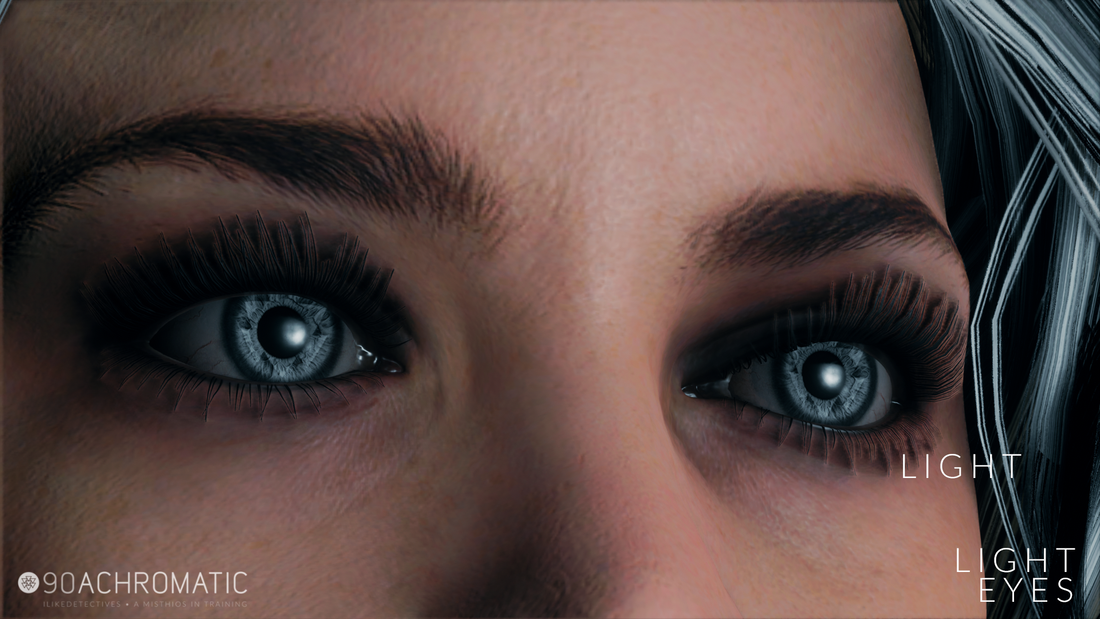


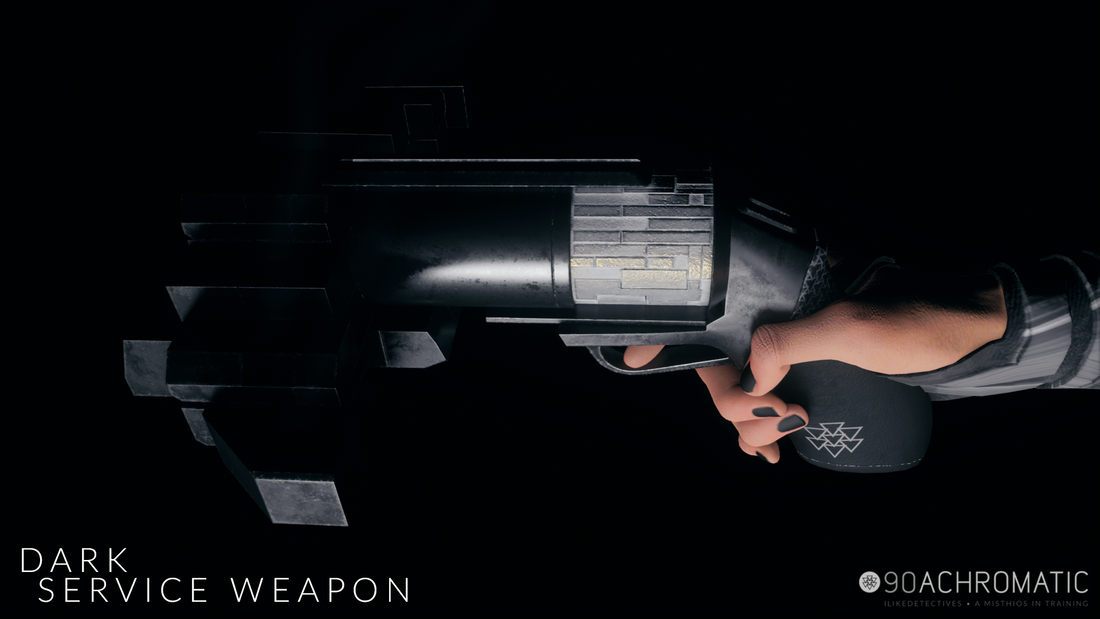
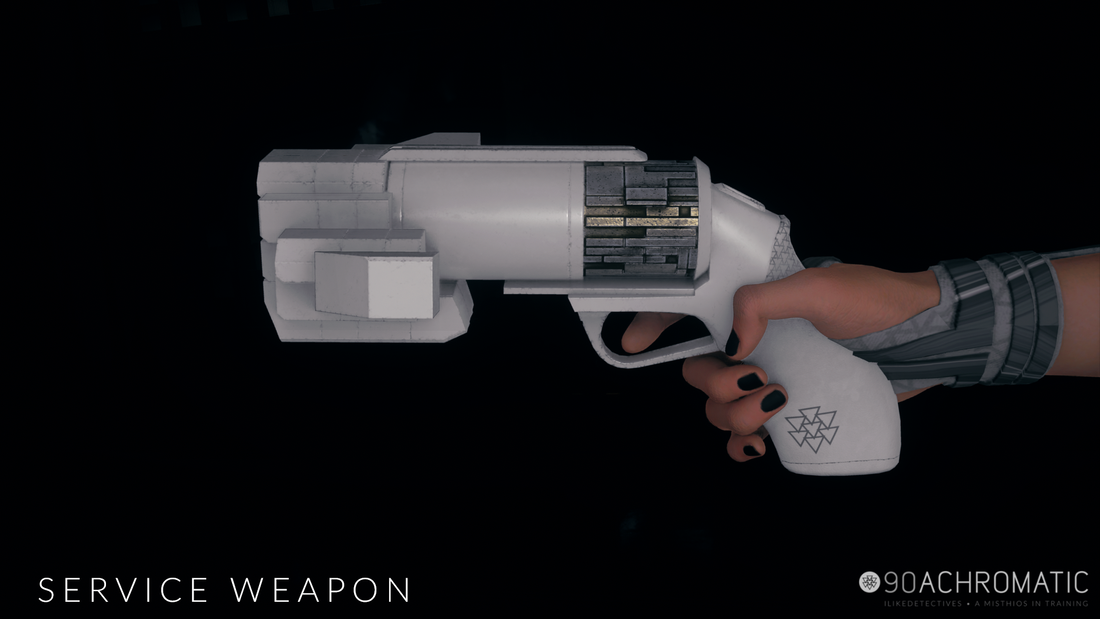
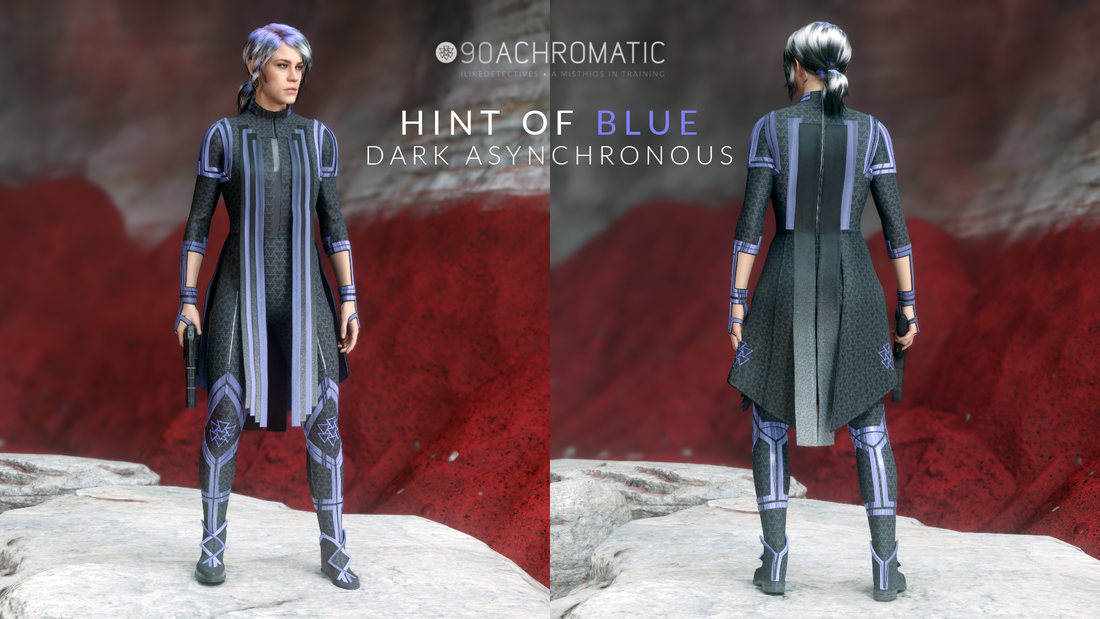


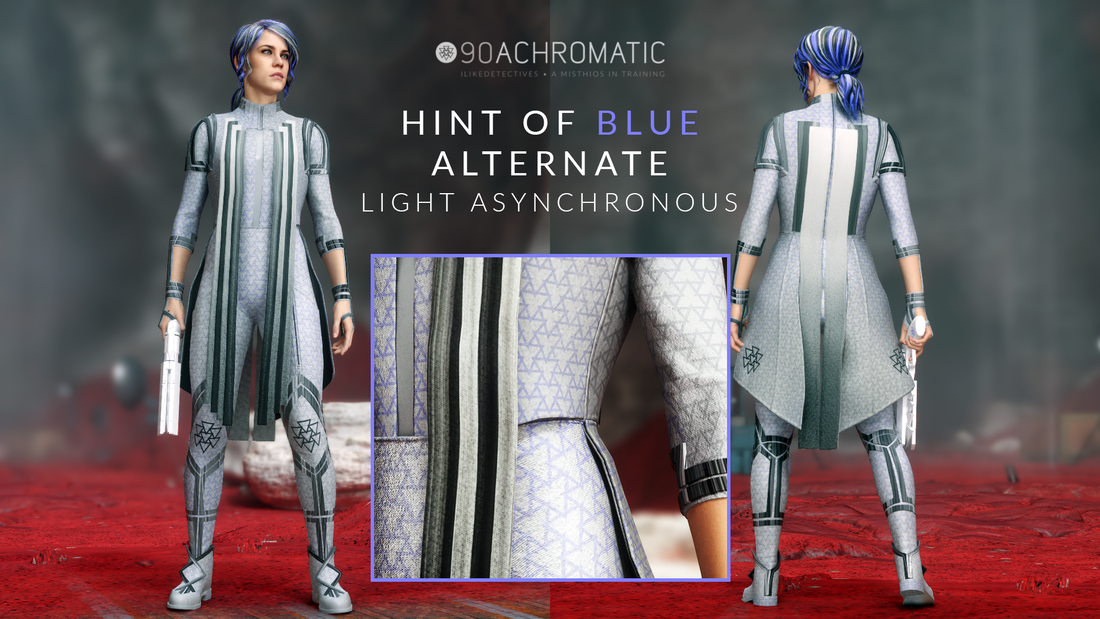
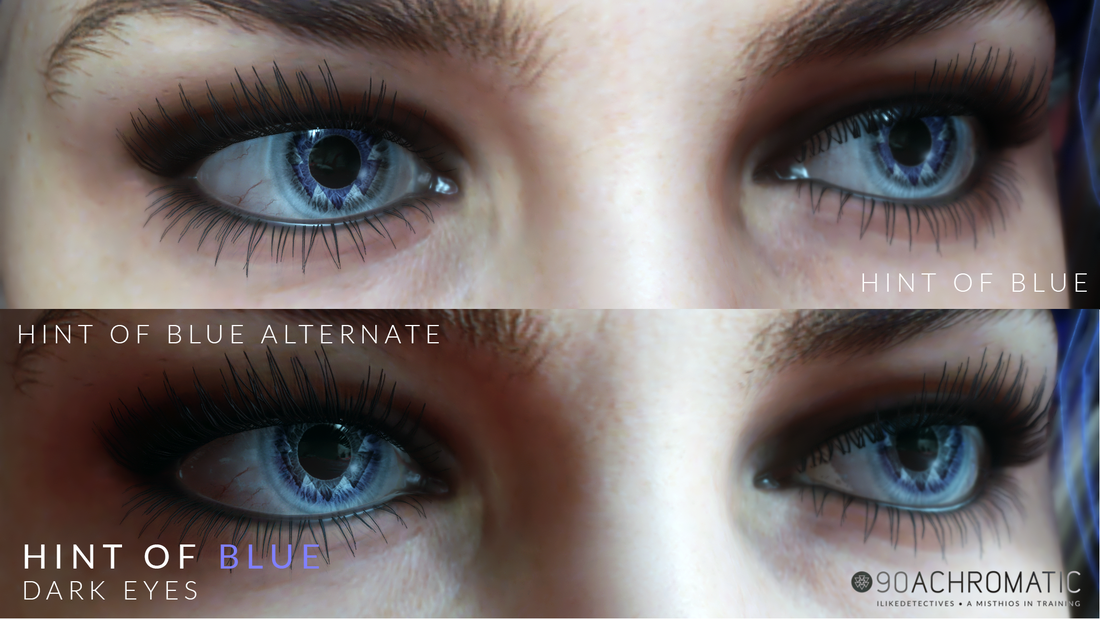
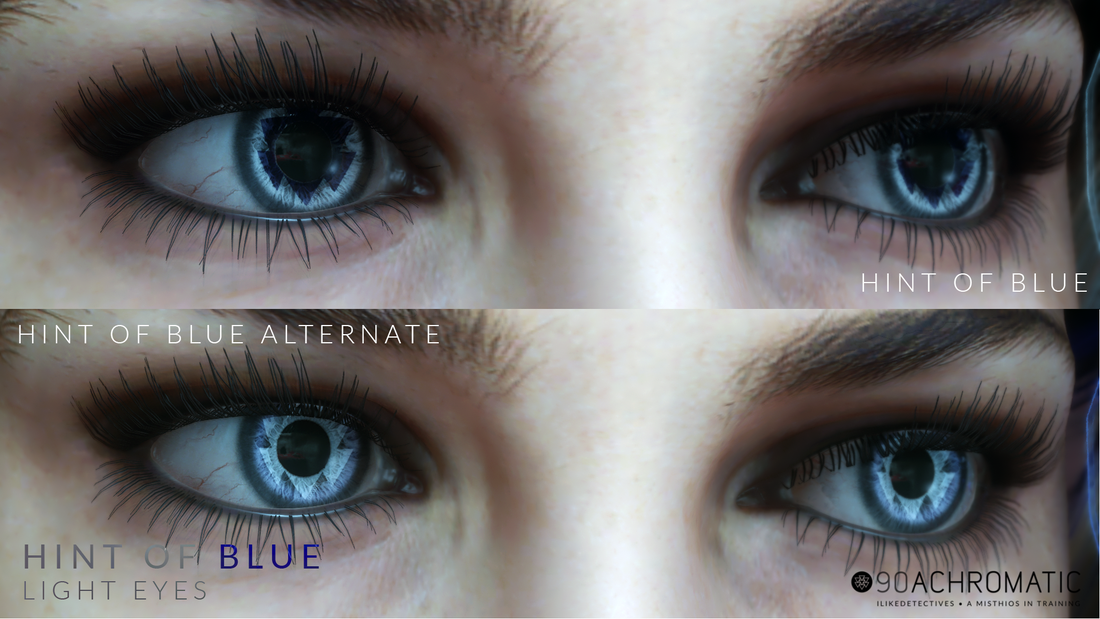

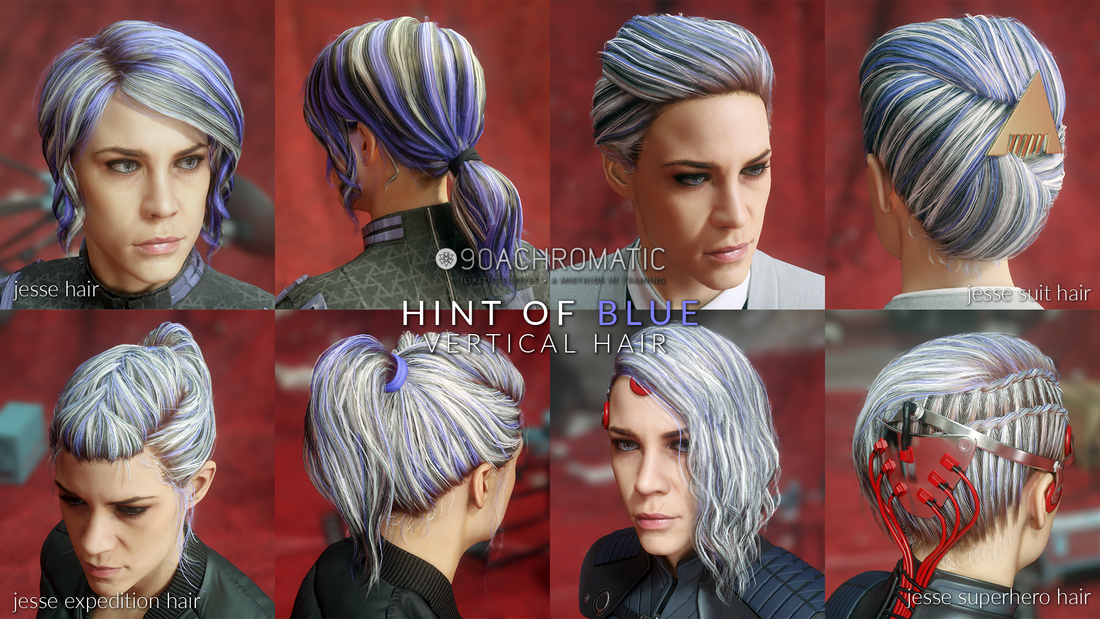
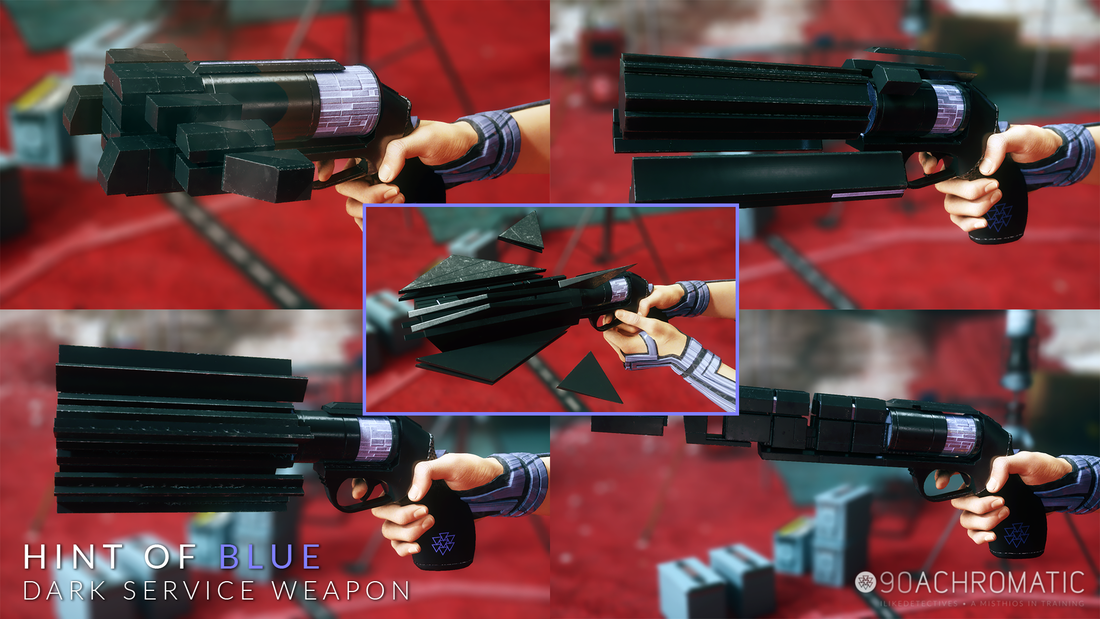
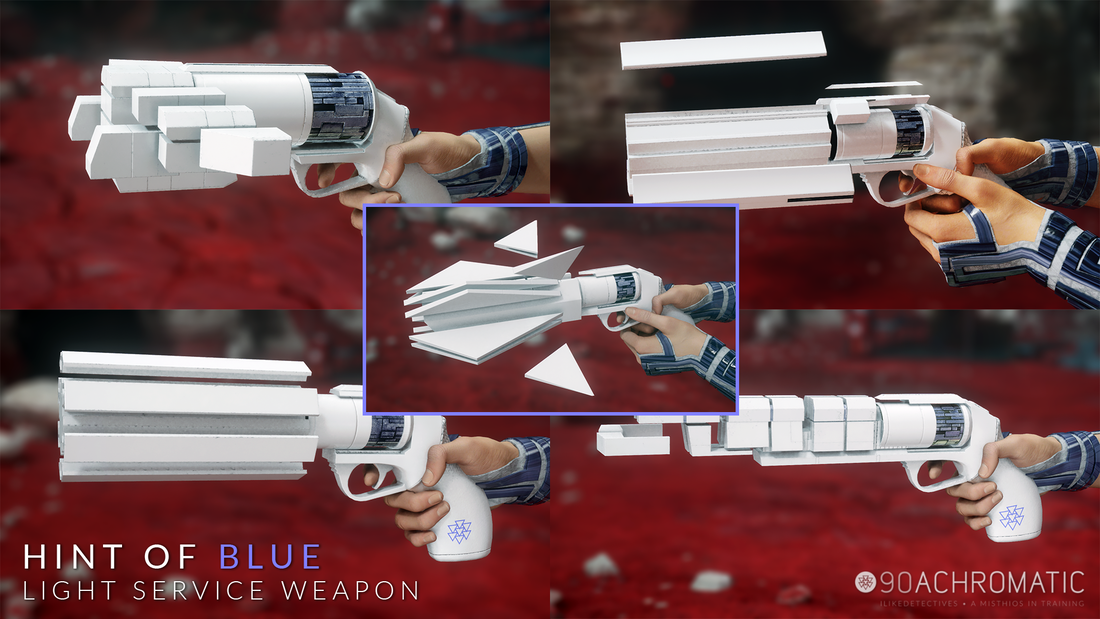

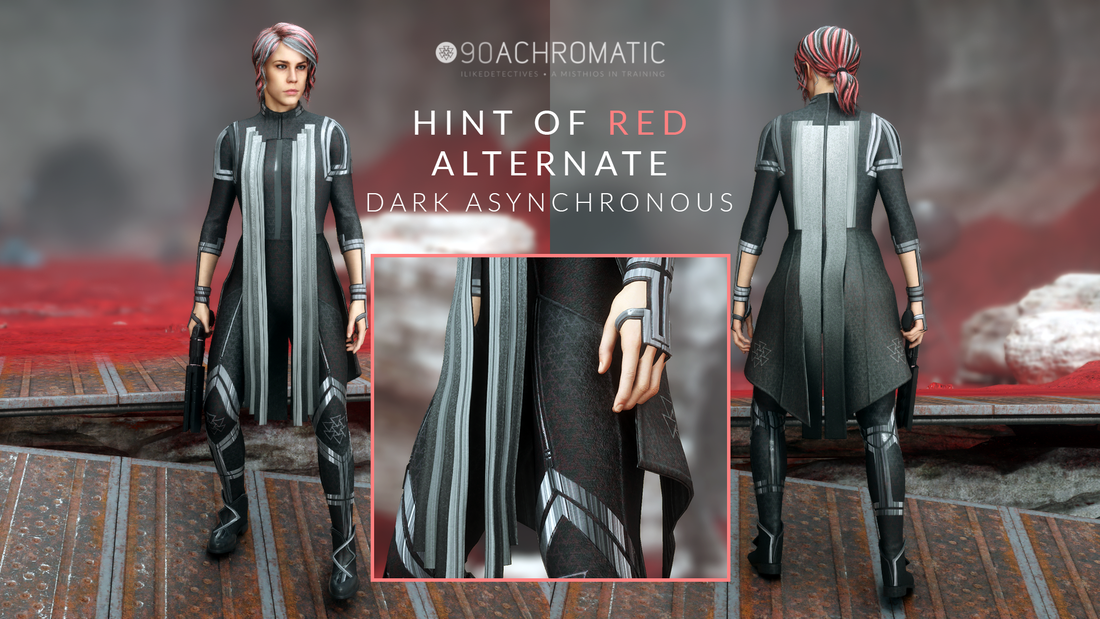
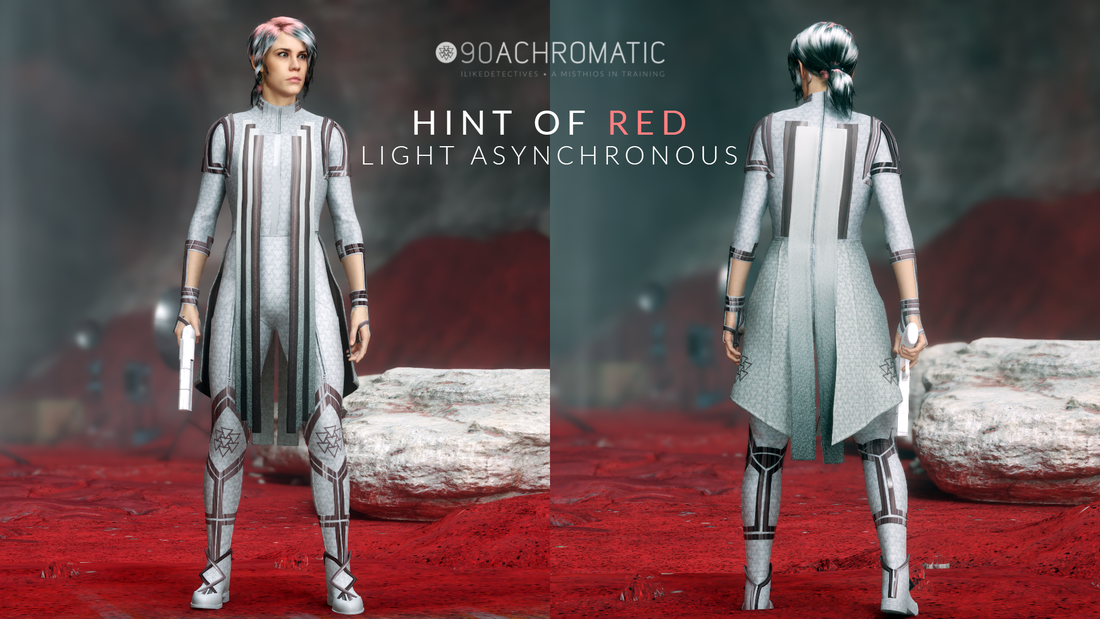
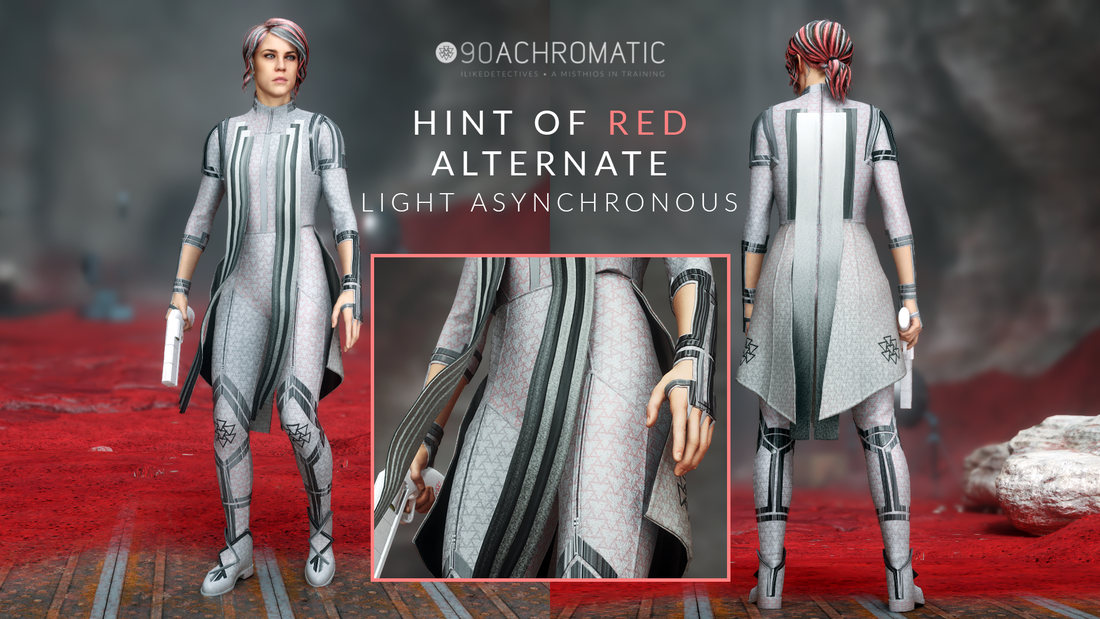
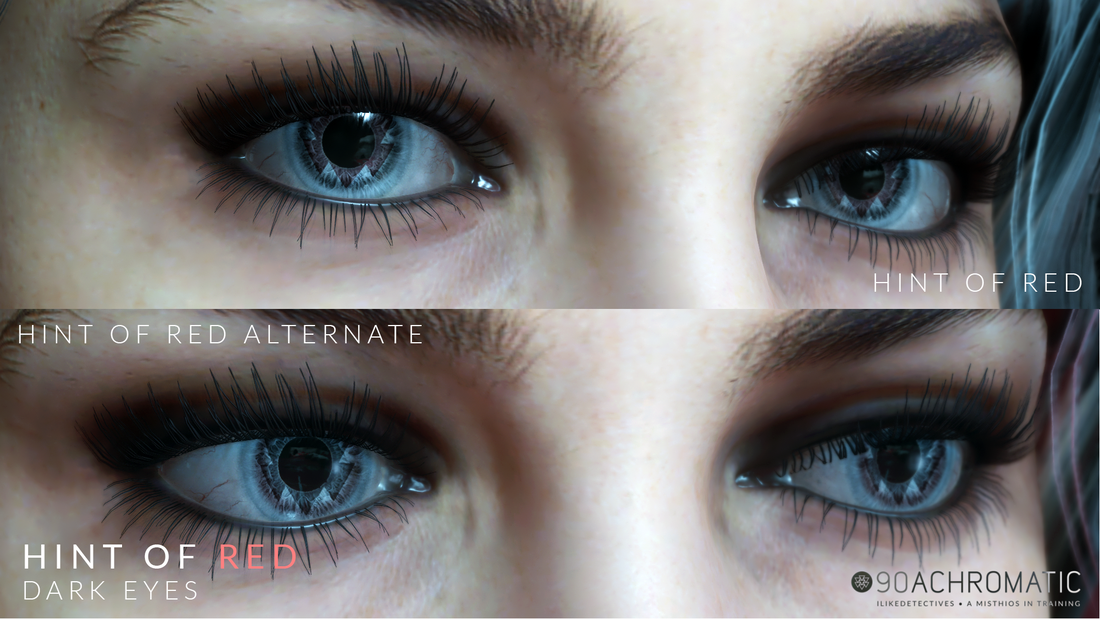
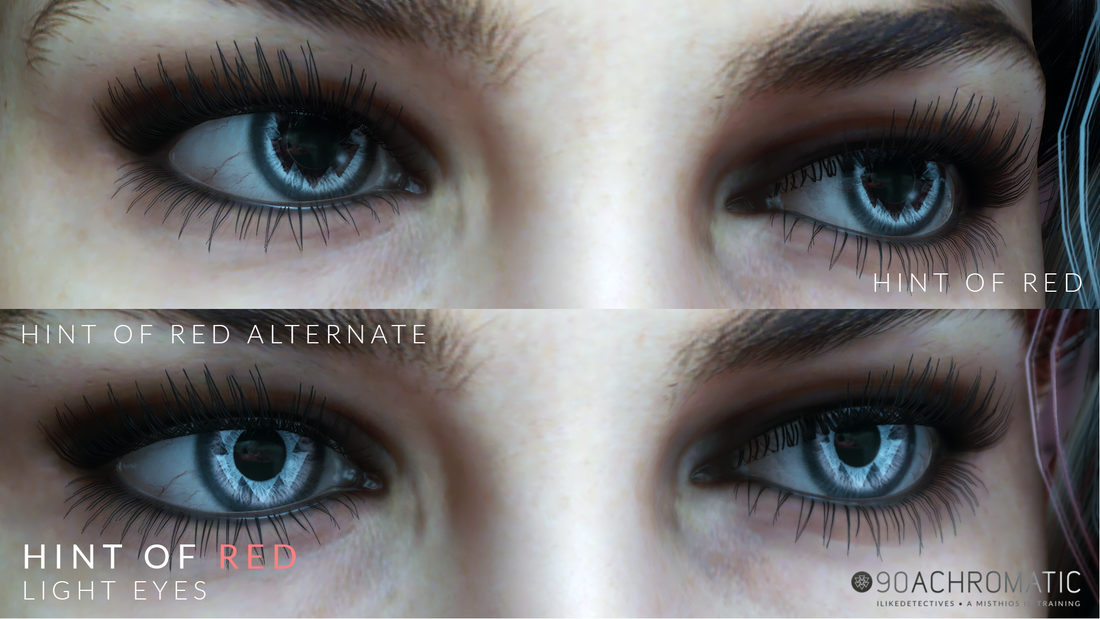
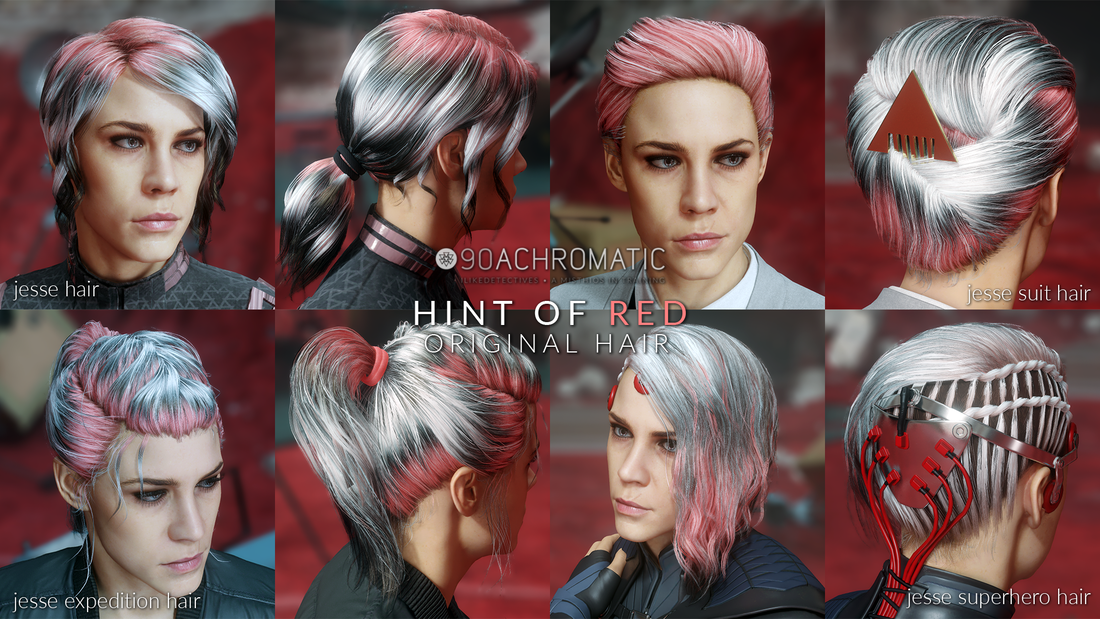
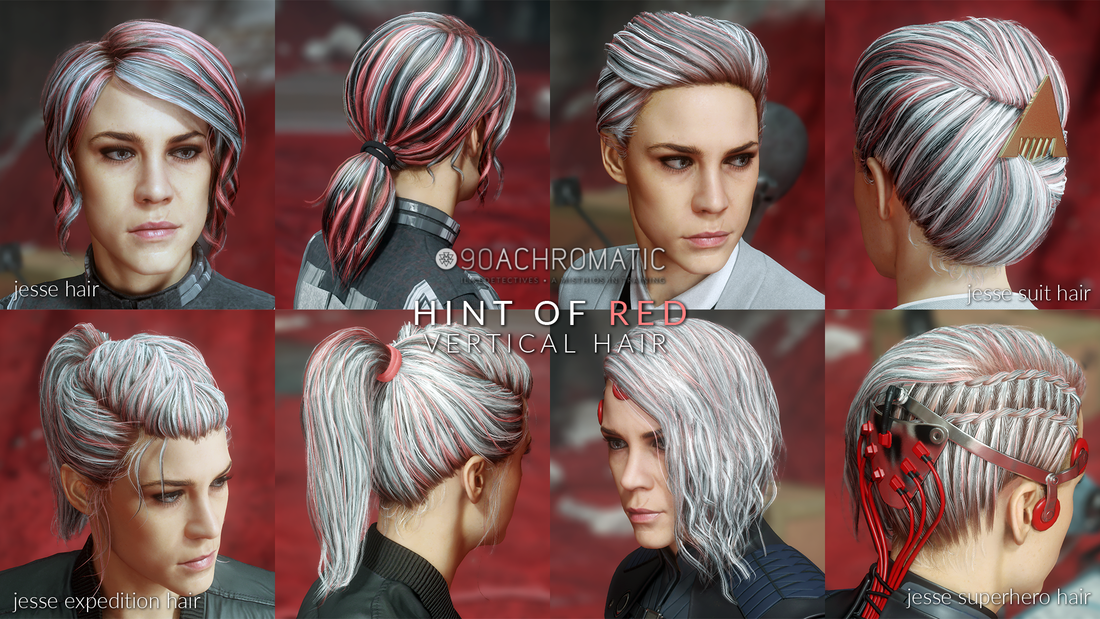

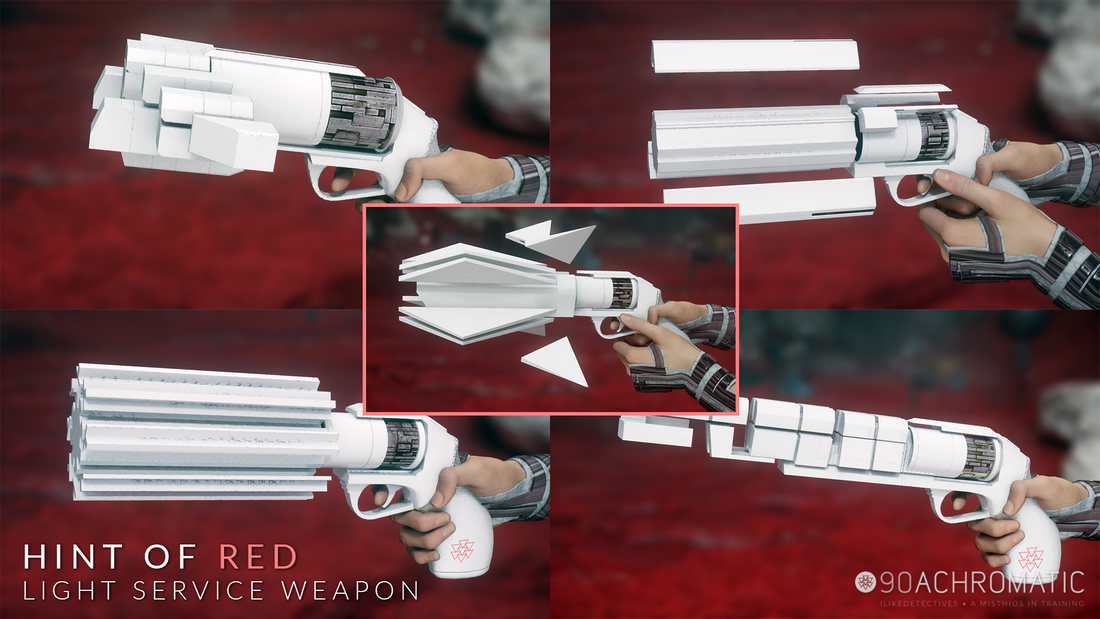
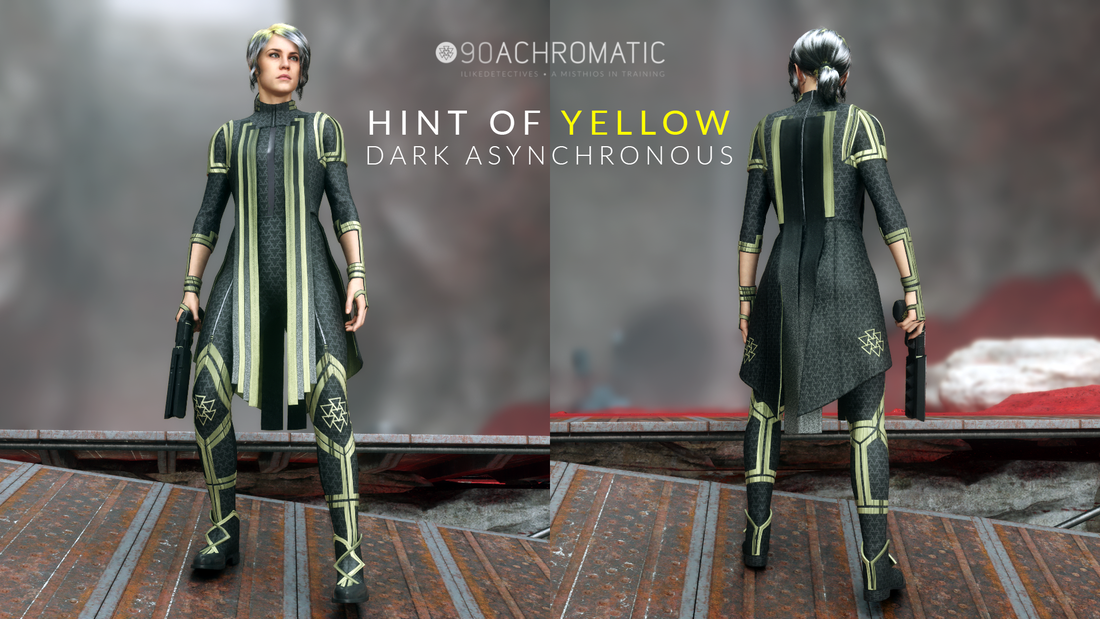
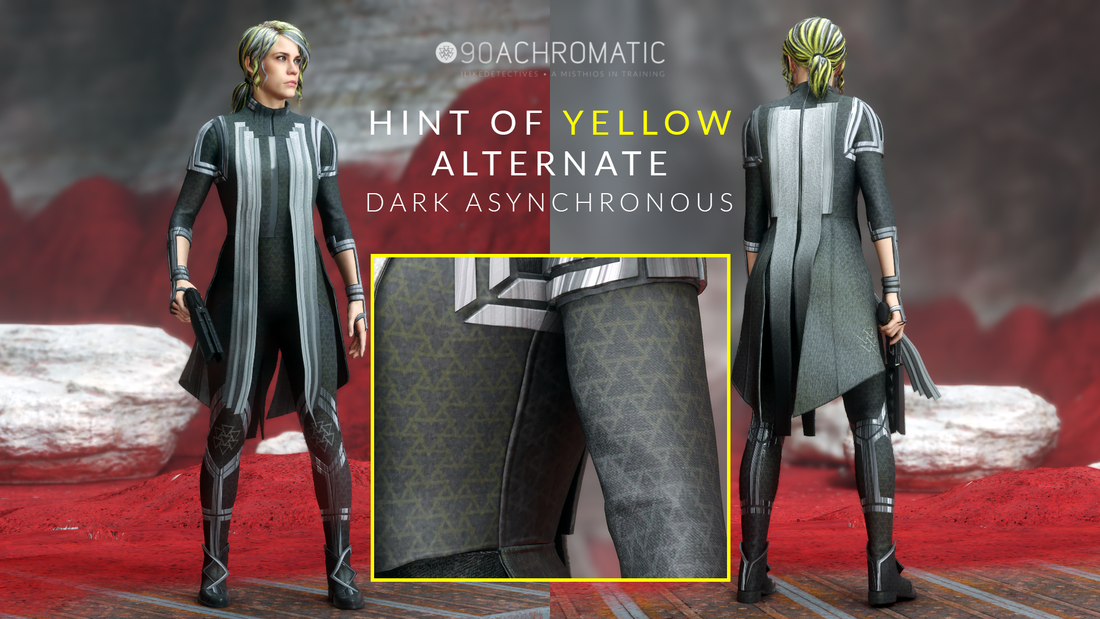
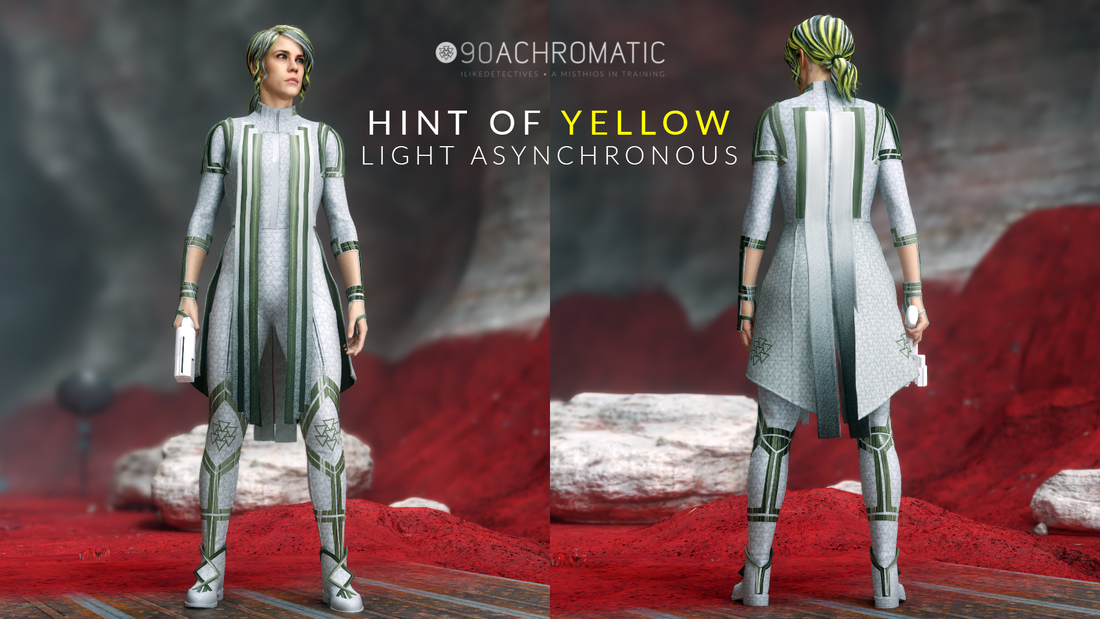
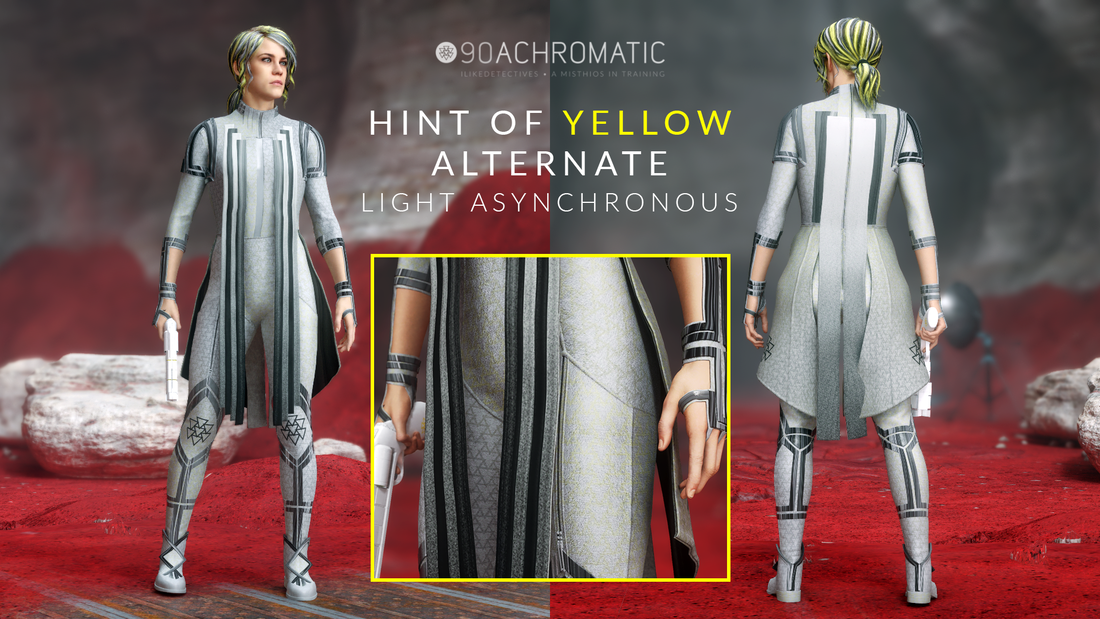
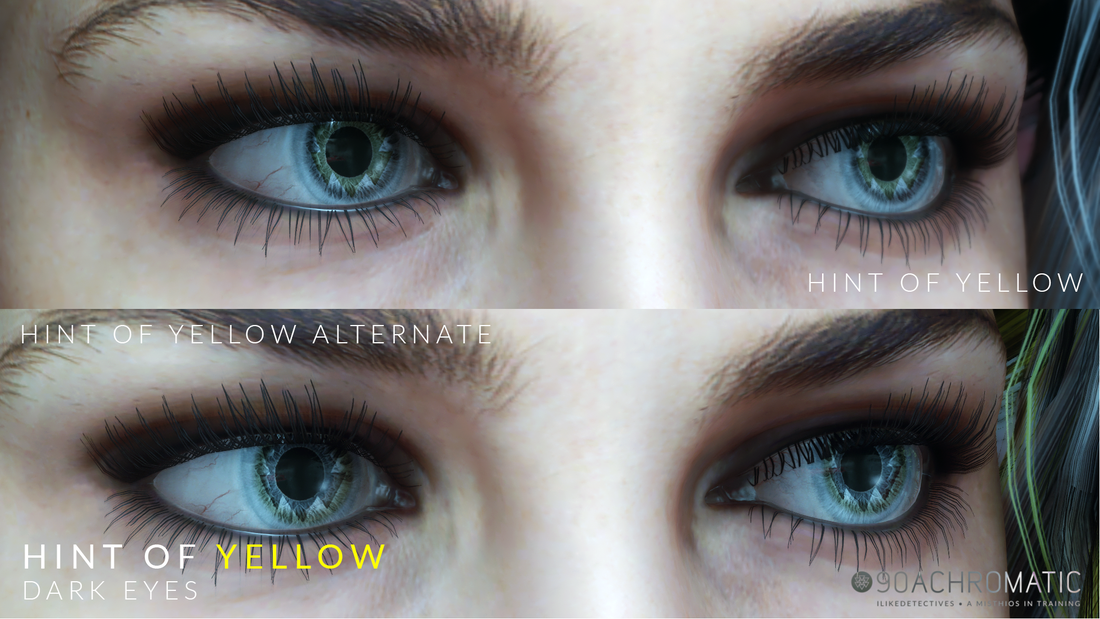
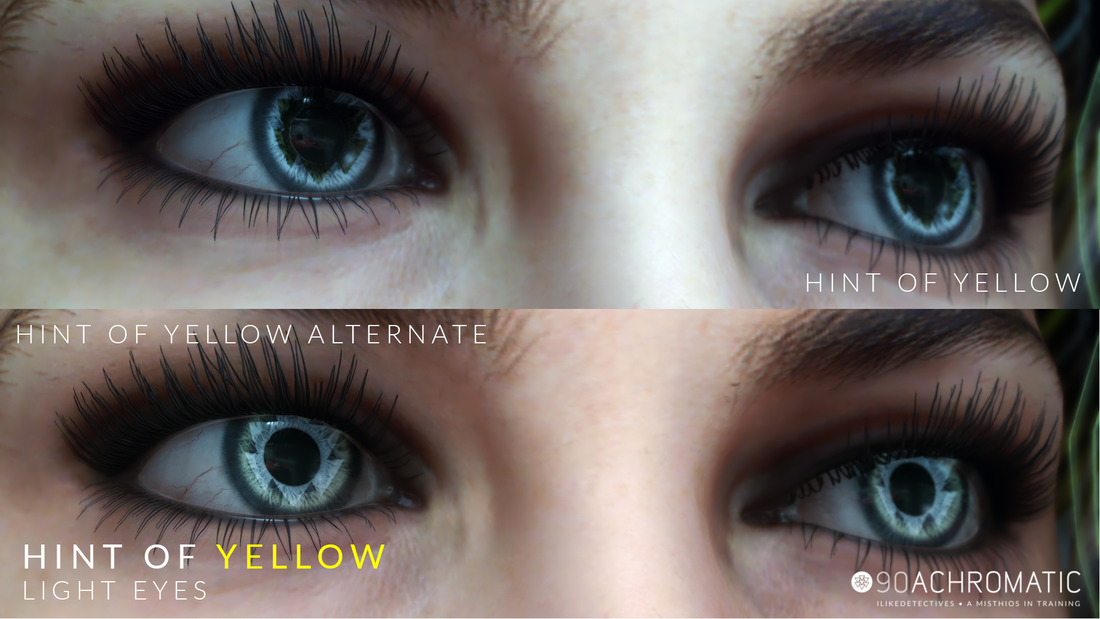
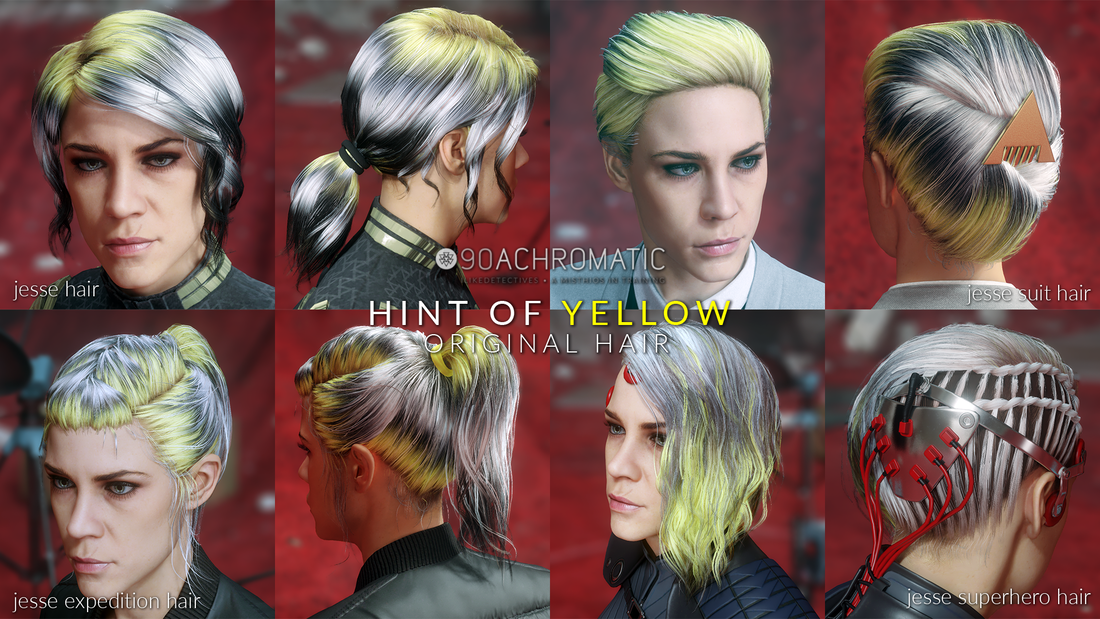
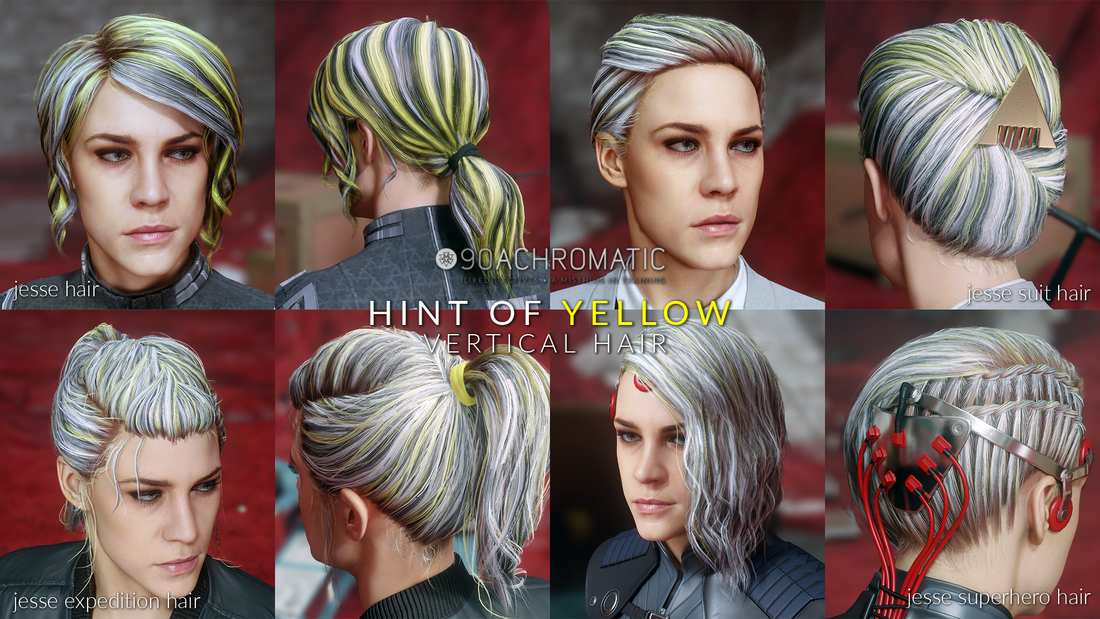
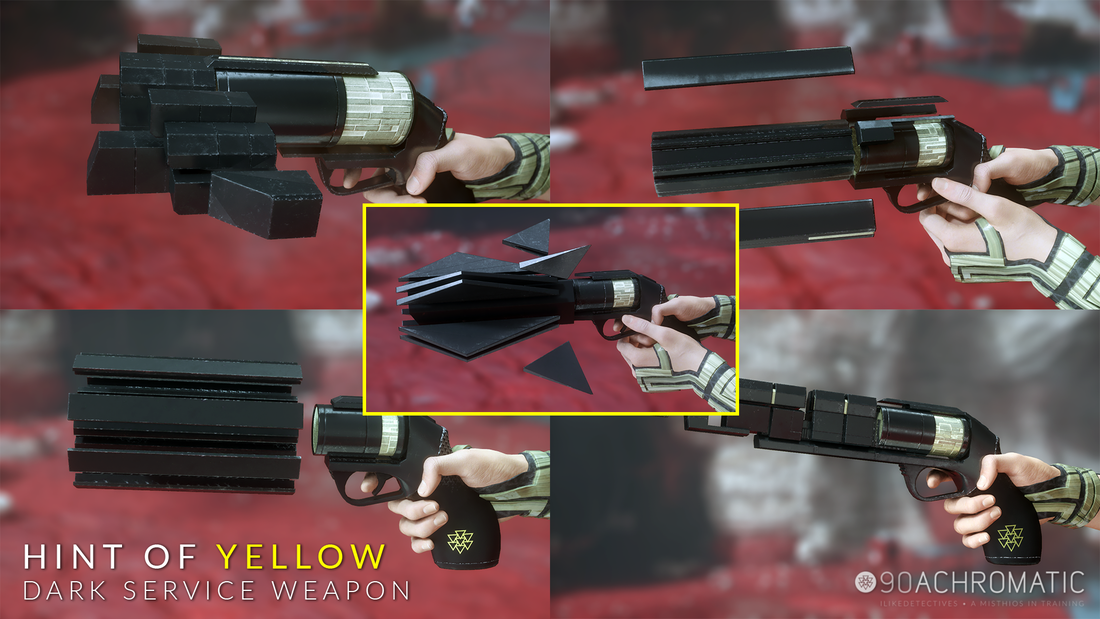


Mod Downloads
Other Downloads
Requirements
- Loose File Loader by reg2k
- You will need the PS4 exclusives, Astral Dive, Tactical Response and Urban Response to use some of the retextures. Please follow the Steps below on how to obtain them.
- Any or all of the mods above
Recommended
- Change Outfits at any Control Point by reg2k
- Service Weapon Hotkeys by reg2k
- Control Dev Menu by reg2k
Steps
- You will NEED Loose File Loader in order to install these mods.
- If you haven't obtained the PS4 exclusive outfits (Urban Response, Astral Dive, Tactical Response) or others please refer to Fallbob's page here on how to acquire them.
- Unzip the mod folder you just downloaded and copy and paste data_pc into your Control game folder. It's where Control.exe is located (i.e. D:\Epic Games\Control)
- Boot the game and enjoy!
Removal
Go to where you installed the mod either C: or D: or wherever you have your game installed.
Example: C:\Epic Games\Control\data_pc
Example: C:\SteamLibrary\steamapps\common\Control\data_pc
Delete the following:
Asynchronous Suit
Eyes
Hair
Service Weapon
Please note that these retextures will conflict with other retextures listed above, so please make sure that you have removed any [retexture]_n.tex, [retexture]_s.tex and/or [retexture]_sa.tex that belong to other retextures. Also, it's not necessary to exit the game completely to switch between retextures. Quit to main menu, drag and drop new retexture in Control folder and continue.
Go to where you installed the mod either C: or D: or wherever you have your game installed.
Example: C:\Epic Games\Control\data_pc
Example: C:\SteamLibrary\steamapps\common\Control\data_pc
Delete the following:
Asynchronous Suit
- data_pc\textures\characters\andro\jesse\accessories\jesse_master_accessories_d.tex
- data_pc\textures\characters\andro\jesse\bottoms\jesse_master_bottom_d.tex
- data_pc\textures\characters\andro\jesse\tops\jesse_master_top_d.tex
Eyes
- data_pc\textures\characters\andro\heads\courtney_hope\courtney_hope_eye_d.tex
Hair
- data_pc\textures\characters\andro\jesse\accessories\jesse_expedition_hair_a.tex
- data_pc\textures\characters\andro\jesse\accessories\jesse_hair_a.tex
- data_pc\textures\characters\andro\jesse\accessories\jesse_suit_hair_a.tex
- data_pc\textures\characters\andro\jesse\accessories\jesse_superhero_hair_a.tex
Service Weapon
- data_pc\textures\weapons\serviceweapon\charge\charge_d.tex
- data_pc\textures\weapons\serviceweapon\grip\grip_d.tex
- data_pc\textures\weapons\serviceweapon\pierce\pierce_d.tex
- data_pc\textures\weapons\serviceweapon\shatter\shatter_d.tex
- data_pc\textures\weapons\serviceweapon\spin\spin_d.tex
- data_pc\textures\weapons\serviceweapon\sticky\serviceweapon_sticky_d.tex
Please note that these retextures will conflict with other retextures listed above, so please make sure that you have removed any [retexture]_n.tex, [retexture]_s.tex and/or [retexture]_sa.tex that belong to other retextures. Also, it's not necessary to exit the game completely to switch between retextures. Quit to main menu, drag and drop new retexture in Control folder and continue.
Troubleshooting
If you encounter issues make sure that you have Loose File Loader installed properly. If not, please refer to reg2k's Loose File Loader page here. In rare cases you may have to verify your game files to resolve some issues.
If you encounter issues make sure that you have Loose File Loader installed properly. If not, please refer to reg2k's Loose File Loader page here. In rare cases you may have to verify your game files to resolve some issues.
Epic Games
Steam
GOG
- Go to your games library
- Look for three dots where your game is and click it
- Select "Manage" and click "Verify."
Steam
- Go to "Games", select "View Game Library"
- Right Click Control Ultimate Edition
- Select "Properties" / "Local Files"
- Click "Verify Integrity of Game Files"
GOG
- Go to your GOG Galaxy and under Games go to "Owned Games"
- Look for Control Ultimate Edition and right click Manage Installation > Verify / Repair